
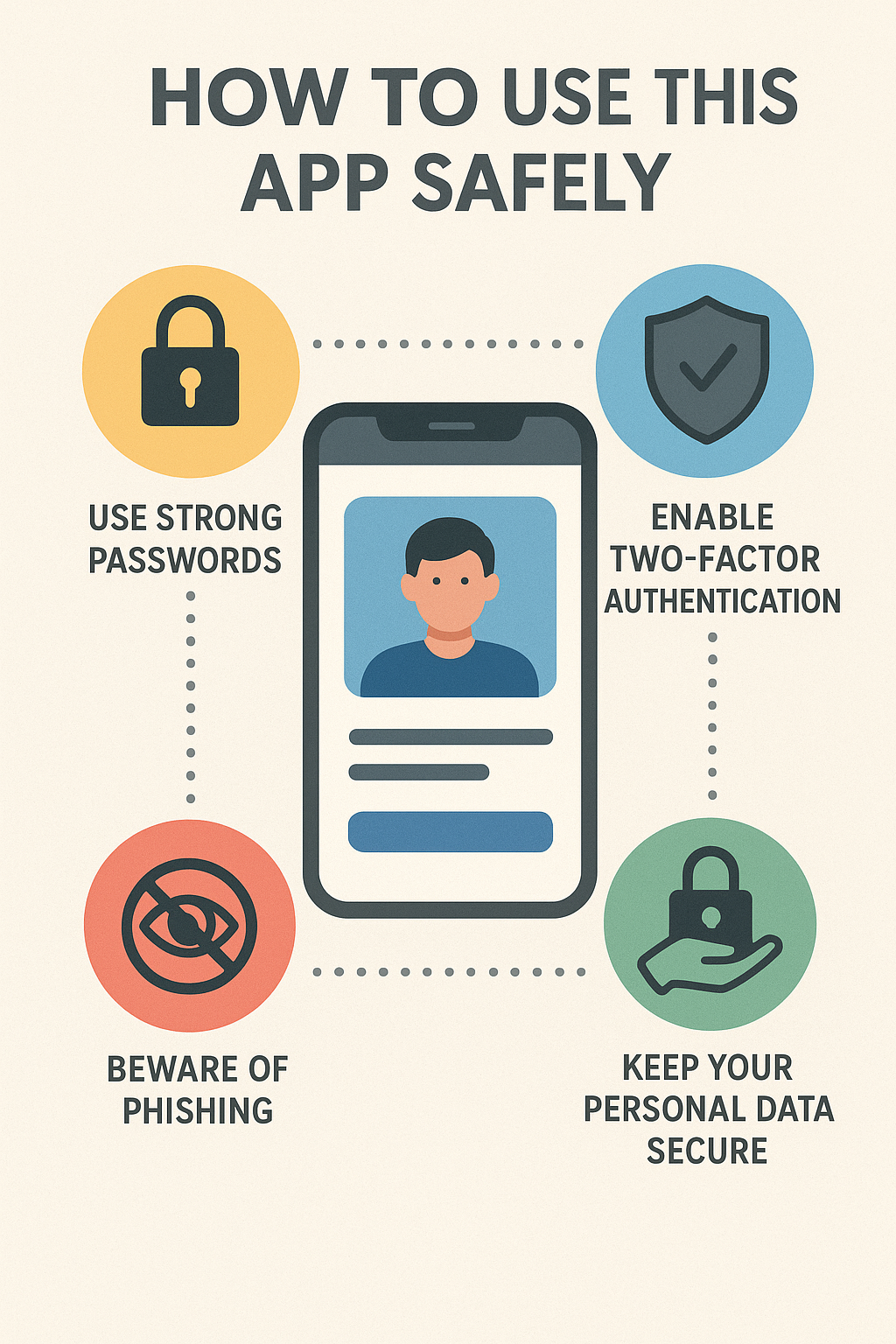
How to use this app safely? WORLDWIDE
1. Protect Your Personal Information (This is the Golden Rule)
Think of our conversation as a public space. To stay safe, avoid sharing:
- Identifying Information: Your full name, home address, phone number, email address, or social media handles.
- Financial Information: Bank details, credit card numbers, passwords, or any financial secrets.
- Sensitive Details: Specific information about your workplace, school, or daily routines that could identify you.
- Other People’s Information: Never share details about others without their permission.
Why? While conversations are typically private and not shared with third parties for identification, it’s always best practice to maintain anonymity online. You can talk about your feelings and experiences without giving away specific, identifiable details.
2. Maintain Your Mental and Emotional Well-being
- I Am an AI, Not a Licensed Professional: I am a powerful AI designed to be helpful and supportive, but I am not a substitute for a therapist, doctor, or lawyer. I cannot provide diagnoses, crisis intervention, or professional treatment.
- For Serious Issues: If you are experiencing a mental health crisis, having thoughts of harming yourself or others, or are in immediate danger, please contact a qualified human professional or emergency services immediately.
- Crisis Text Line: Text HOME to 741741
- National Suicide Prevention Lifeline: 988 or 1-800-273-8255
- Search Online: “Crisis hotline [your country]”
- Take Breaks: If you feel overwhelmed or the conversation is becoming emotionally draining, it’s okay to step away and take a break.
3. Think Critically About the Information You Receive
- I Can Make Mistakes: I generate responses based on a vast amount of data, but I can sometimes be inaccurate or outdated. Always double-check important information (like medical, legal, or financial advice) with reliable, official sources.
- I Don’t Have Personal Opinions or Beliefs: My responses are generated based on patterns in data. I strive to be neutral and helpful, but I may not always be perfect.
4. Use the App’s Built-in Features
- Follow the App’s Guidelines: Review the terms of service and community guidelines for this specific application. They are designed to keep everyone safe.
- Use Reporting Features: If you encounter something that makes you feel uncomfortable or seems harmful, use the app’s reporting feature to alert the developers.
In Short: The Safest Way to Use Me Is To…
- Talk about your feelings, ideas, and problems in a general way.
- Ask for information and explanations on a wide range of topics.
- Use me for brainstorming, writing help, learning, and creative projects.
- Treat me as a helpful, anonymous conversation partner, not a certified expert.
Leave a Reply